Using the ainb Skill Manager
One screen to keep the skills, agents, commands and plugins for all your AI coding tools — Claude Code, Codex, Cursor, Copilot, Gemini — in sync. Install from a repo or the catalog, adopt what's already on your machine, keep your own skills in a library, and push your edits back upstream — across every tool at once.
→ Prefer the internals? Read "How it works"1Getting in
Run ainb, then press m (or pick Skills (manager) in the sidebar). Here's the whole thing in motion — open, browse the list, filter, sync, leave:
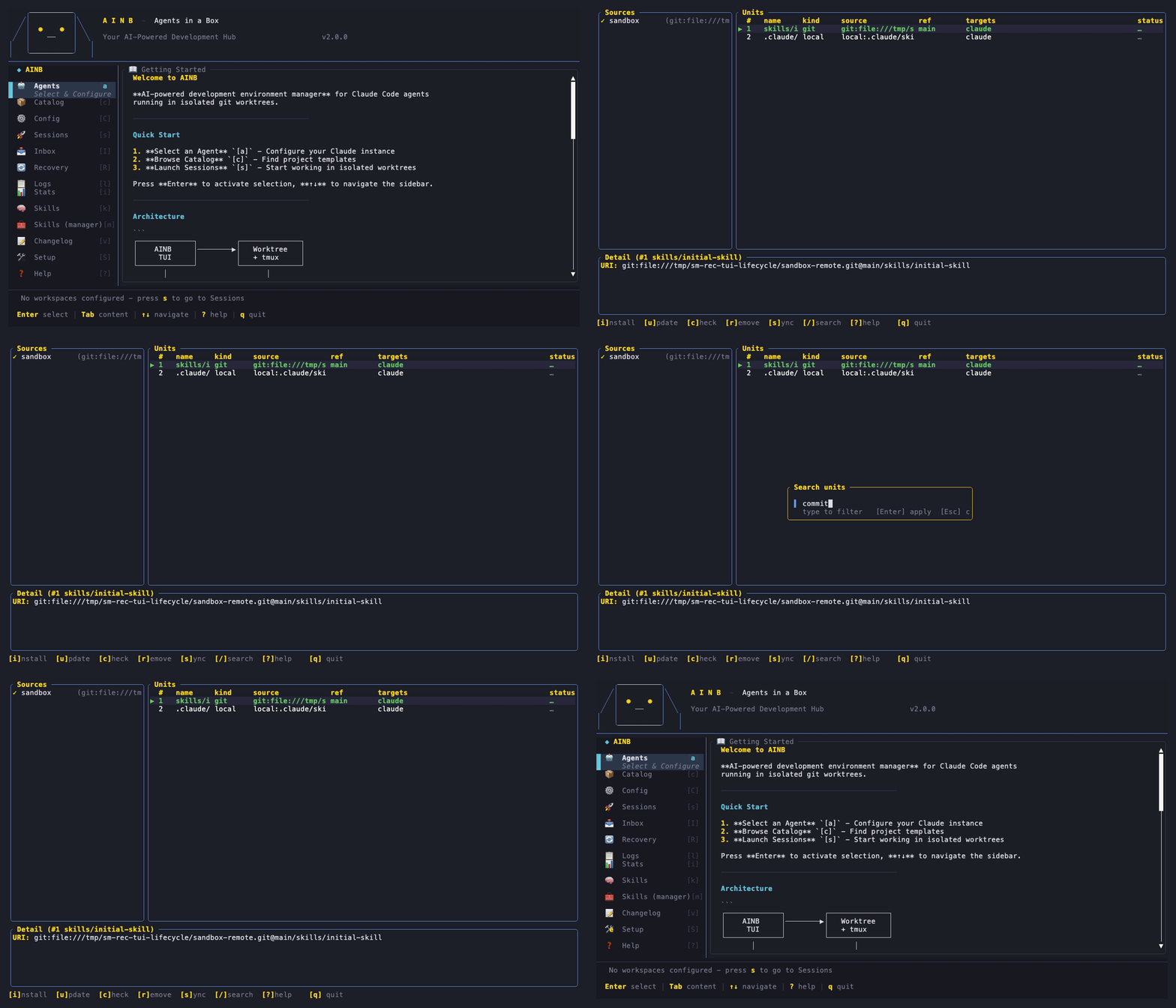
2What you see
Sources
Where your skills come from — repos you added, the catalog, your own machine.
Units
The actual skills / agents / commands / plugins, each with a status glyph on the right.
Detail
Info on whichever unit you've selected — its URI, where it's deployed, how often you've used it.
At the very bottom is the help bar — every key you can press is listed there.
3The first time you open it
If you've never set it up, a banner pops up: "Detected existing units — import them?" It scanned your tool homes and found skills and plugins you already have installed.
| Enter | Adopt everything it found into management |
| d | See the per-tool breakdown first |
| s | Skip for now (press m later to bring it back) |
4The keys, in plain words
| Press | What it does |
|---|---|
| i | Add a source — paste a repo like gh:owner/repo |
| b | Browse the catalog — search for new skills online, Enter to install |
| l | Your library — skills you wrote yourself |
| u | Update the selected skill to the latest upstream |
| c | Check which skills are behind upstream (refreshes the status glyphs) |
| r | Remove the selected skill from your tools |
| s | Sync — push your local edits back to the source repo |
| / | Search / filter the list |
| ↑↓ j k | Move the cursor · g / G jump to first / last |
| q Esc | Leave the Skill Manager |
5The status glyphs
The rightmost column of the Units list tells you, at a glance, whether each skill is current:
6The things you'll actually do
Adopt what's already installed
Find & install a new skill
react → arrow to a result → Enter.Keep your own skills
SKILL.md folder → press l.Push an edit back upstream
sync: <name> notification; your change is committed + pushed to the source repo.7Prefer the terminal?
Everything the screen does has a command. Here's a full skill lifecycle on the CLI — add a source, install, check for drift, sync an edit back, remove:

ainb skill browse <q> | search the catalog |
ainb source add <uri> | add a repo of skills |
ainb skill install <uri> | install a unit to your tools |
ainb skill check | which skills are behind upstream |
ainb skill update <uri> | update to latest |
ainb skill sync --to-repo | push your edits upstream |
ainb skill library list | your own skills |
ainb skill scan | where each on-disk skill came from |